Excel vs Demand Planning Software: When the Spreadsheet Stops Working
Excel vs Demand Planning Software: When the Spreadsheet Stops Working
TL;DR: Excel is a good planning tool until the schedule changes faster than one person can rebuild it. Five signs say you are past that point: a slipped run takes half a day to rebuild, two people hold two versions, nobody can say on Thursday which of next week's orders ship late, forecast error is never measured, and only one person understands the file. Move the schedule and the error measurement out first. Keep the what-if scratch work in Excel.
Excel vs demand planning software is not a religious question. Most plants we talk to run on a spreadsheet, and many of them run well on it. The question is when the spreadsheet stops being the cheap option and starts being the expensive one.
The honest case for Excel
Excel is flexible, everyone on the floor can open it, and it costs nothing extra. A planner who knows the lines can build a weekly schedule in an afternoon, and nobody has to learn a new screen or wait on a vendor.
For a single plant with a few lines, stable demand and a planner who has been there ten years, a spreadsheet is often the right tool. It fits the way the plant actually runs, which is more than can be said for many software rollouts.
The trouble is that Excel does not fail loudly. It works, and works, and then one week it takes the whole operation with it. The signs below are how that shows up on the floor.
Five signs Excel has stopped working
1. A run slips and the rebuild takes half a day
A line goes down on Tuesday morning and a run moves to Wednesday. Now the changeover sequence is wrong, the allergen order is wrong, and the Thursday run no longer fits the shift. The planner opens the file and rebuilds by hand: resequence the orders, recheck the changeovers, recheck labor, retype the dates.
If that takes half a day, the schedule is not a plan. It is a document that is already out of date by the time it is finished. In a plant where something slips most weeks, the planner spends the week rebuilding instead of planning.
2. Two people hold two versions
Ops has one copy. The planner has another. Sales has a third, exported on Monday. Each is right about something and wrong about something else, and the meeting spends its first twenty minutes on which file is current.
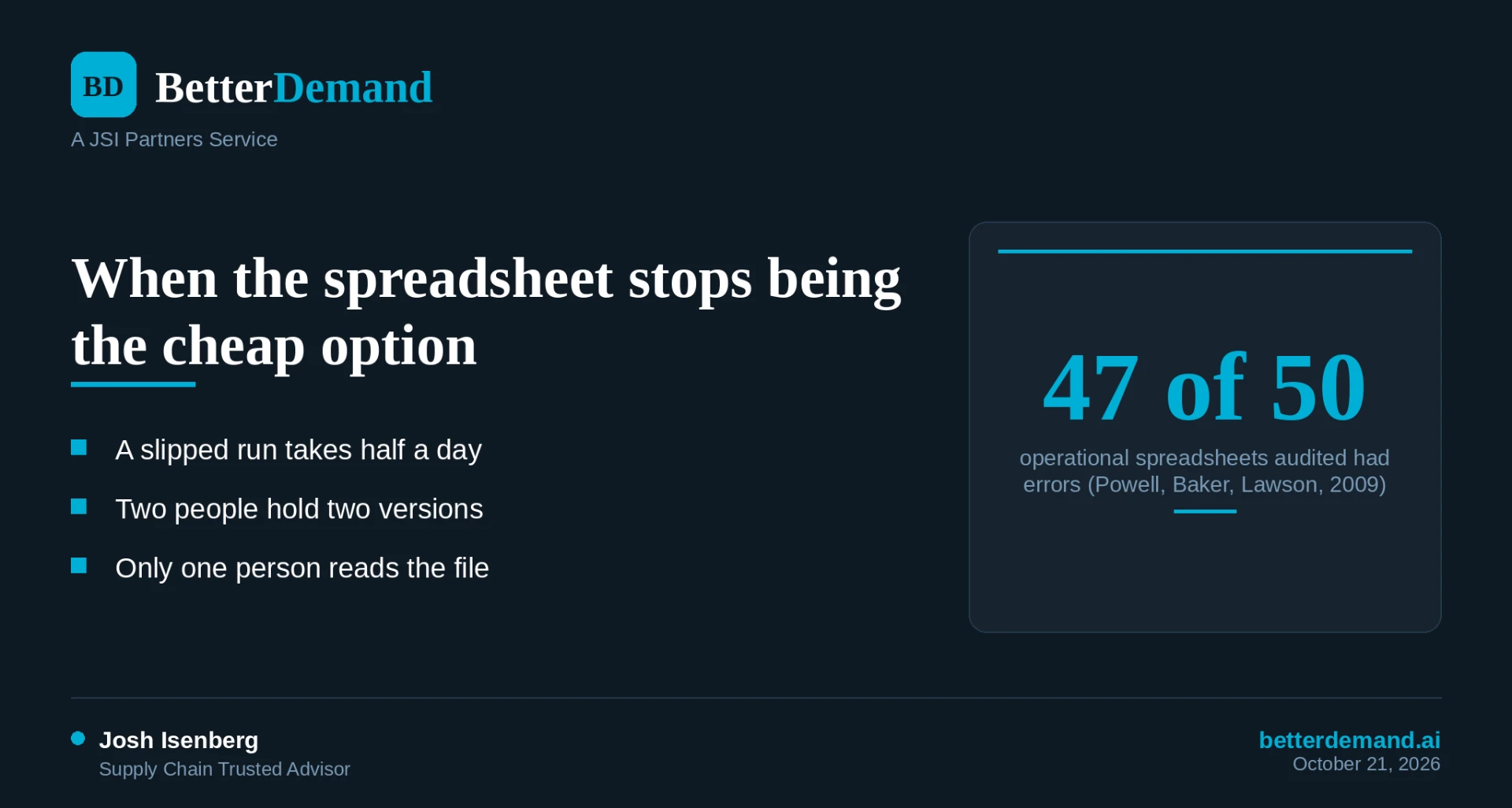
A 2009 study by Stephen Powell, Kenneth Baker and Barry Lawson in the Journal of Organizational and End User Computing audited 50 operational spreadsheets from real organizations. They found errors in 47 of them, and 43 contained errors that produced wrong results. The study is about spreadsheets in general, not planning files specifically, but it matches what we see on plant floors: the more people edit a file, the less anyone trusts it.
3. Nobody can say on Thursday which of next week's orders ship late
This is the sign that costs the most. Someone from customer service asks which orders for next week are at risk. The honest answer is that nobody knows until the week plays out.
A spreadsheet can hold the orders and it can hold the line rates. What it rarely does is check every order against finite capacity across every line at once, with changeovers, and tell you that line 2 is at 118 percent on Wednesday. So the late orders surface on Friday, when the only moves left are overtime and an apology call. For anyone selling to retailers who score on-time and in-full, that is the expensive way to find out. (We cover how that scoring works in our Walmart OTIF guide.)
4. Forecast error is never measured
Plenty of plants forecast. Few record, month after month, what the forecast said, what shipped, and how far apart they were. Without that, nobody knows whether the forecast is getting better, and every argument about it is a matter of opinion.
Spreadsheets make this harder than it should be. The forecast gets overwritten each cycle, last month's number is gone, and the comparison needs a second file that someone has to keep. We wrote about why this is a process problem and not a math problem in forecast accuracy is a process problem.
5. The file only one person understands
Every plant has this file. It has hidden tabs, a macro written in 2016, a lookup that points to a folder that no longer exists, and one planner who knows which cells never to touch.
That planner is a single point of failure. A vacation, a resignation or a new hire who cannot read the file puts the schedule at risk. If the answer to "what happens if she is out for two weeks" is a long pause, you are past the point where Excel is saving you money.
What to move out of Excel first
Not everything. Move the parts that fail first, in this order.
The finite schedule. Checking orders against line capacity, with changeovers and fences, is the job a spreadsheet does worst and software does best. This is the daily pain, and it is where capacity planning software earns its place beside the ERP. A frozen window the floor can trust also needs a system that holds it, which we describe in frozen window: the floor can trust.
Forecast error tracking. Store the forecast, the actuals and the gap in one place that does not get overwritten. Even a clean database table beats a folder of monthly files.
The one source of truth for orders. The schedule should read from the ERP export on a set cadence, not from a copy someone pasted on Monday.
What to keep in Excel
Keep the work that benefits from being loose.
One-off what-if scratch work. Testing whether a new item fits before you quote it is a fine job for a spreadsheet, as long as the answer goes back into the schedule, not into a side file.
Ad hoc analysis. A quick pivot of last quarter's shipments by customer is faster in Excel than anywhere else.
Reports your CFO already reads. If the format works, leave it. Feed it from the system instead of retyping it.
Excel vs a planning layer beside the ERP
| Excel | Planning layer beside the ERP | |
|---|---|---|
| Rebuild after a run slips | By hand, hours | Recalculated from the same data |
| Late orders for next week | Found as the week plays out | Flagged before the week starts |
| Versions of the schedule | One per person | One, shared |
| Forecast error history | Kept if someone keeps it | Stored every cycle |
| Dependence on one person | High | Lower |
| Cost to start | Free | Subscription |
| Best fit | One plant, stable demand, steady planner | Several lines, frequent changes, retailer deadlines |
The planning layer does not replace the ERP. Your ERP stays the record of orders, inventory and costs. The layer reads its exports and does the one thing the ERP schedule usually does not: finite capacity with the changeovers that actually apply.
What to do this week
Three things, none of which require buying anything.
- Time the rebuild. The next time a run slips, write down how long it takes to produce a corrected schedule. If the number is over two hours, you have sign one.
- Answer the Thursday question. On Thursday, list every order due next week and mark which ones you believe ship late. Check on Friday how many you got right. If you cannot make the list, you have sign three.
- Save the forecast. Copy this month's forecast into a file you will not overwrite. Next month, compare it to what shipped, by item.
BetterDemand is planning software that runs beside your ERP on the exports it already produces (Business Central, NetSuite, Aptean, Plex and SAP B1). Capacity shows which line is over 100 percent next week and lets you test overtime, shifts and resequencing before you commit. Forecaster adds item-level statistical forecasts and measures their error each cycle. Setup takes weeks, and the ERP stays in place. See pricing for what each module costs, which is set by sites and SKUs, not revenue.
betterdemand.ai
Two free playbooks: Cost of Forecast Error and the S&OP Playbook