Business Central for Food Manufacturers: Where the Planning Stops
Business Central for Food Manufacturers: Where the Planning Stops
TL;DR: Business Central is a good system of record, and its planning engine does what Microsoft documents it to do: net demand against supply and propose orders. For a food plant, three things sit outside that engine by design: a schedule that respects line capacity, shelf life as a planning input, and a measure of forecast accuracy. Business Central planning for food manufacturers works best with a thin planning layer beside it, fed by exports, not a replacement.
This is not a complaint about Business Central. It was built to record what happened and to net what is needed. It was never built to project whether Tuesday's run fits on the line. Knowing the difference saves a plant from asking the ERP for something it does not claim to do.
Business Central planning for food manufacturers: what the standard product does
Start with what works. We take the feature names from Microsoft Learn.
Items carry a Reordering Policy (Fixed Reorder Qty., Maximum Qty., Order, or Lot-for-Lot) plus planning parameters such as Safety Stock Quantity, Safety Lead Time, Reorder Point, Lot Accumulation Period and Dampener Period. Microsoft's Planning Parameters article describes each one. Order modifiers (Minimum Order Quantity, Maximum Order Quantity, Order Multiple) round the proposals.
The Planning Worksheet is where the plan runs. You choose Calculate Regenerative Plan, which replans all items, or Calculate Net Change Plan, which replans only items affected by changes. You then choose Carry Out Action Message to create the supply orders. Microsoft explains the steps in How to Run Full Planning, MPS and MRP. The Requisition Worksheet is the lighter tool for purchase and transfer replenishment, and the Planning Worksheet adds production orders (Microsoft's own comparison post predates Business Central, so check the current behavior in your version).
On the shop floor side, Business Central models Work Centers, Machine Centers, routings and production BOMs. Time posted against them lands in Capacity Ledger Entries, which you open from the work center or machine center card (Post Capacities). A Power BI report released in 2024 release wave 2, Expected Capacity Need, shows the backlog of production orders against work center availability (Microsoft Learn).
Demand forecasts exist too. The Demand Forecast page takes quantities by item and period, with a Forecast Type of Sales Item or Component, and sales orders reduce the forecast during planning (Create a demand forecast).
That is a real foundation. Item ledger, purchase orders, sales orders and routings all live in one place, and that is why the exports are worth planning from.
Where the plan assumes the line is free
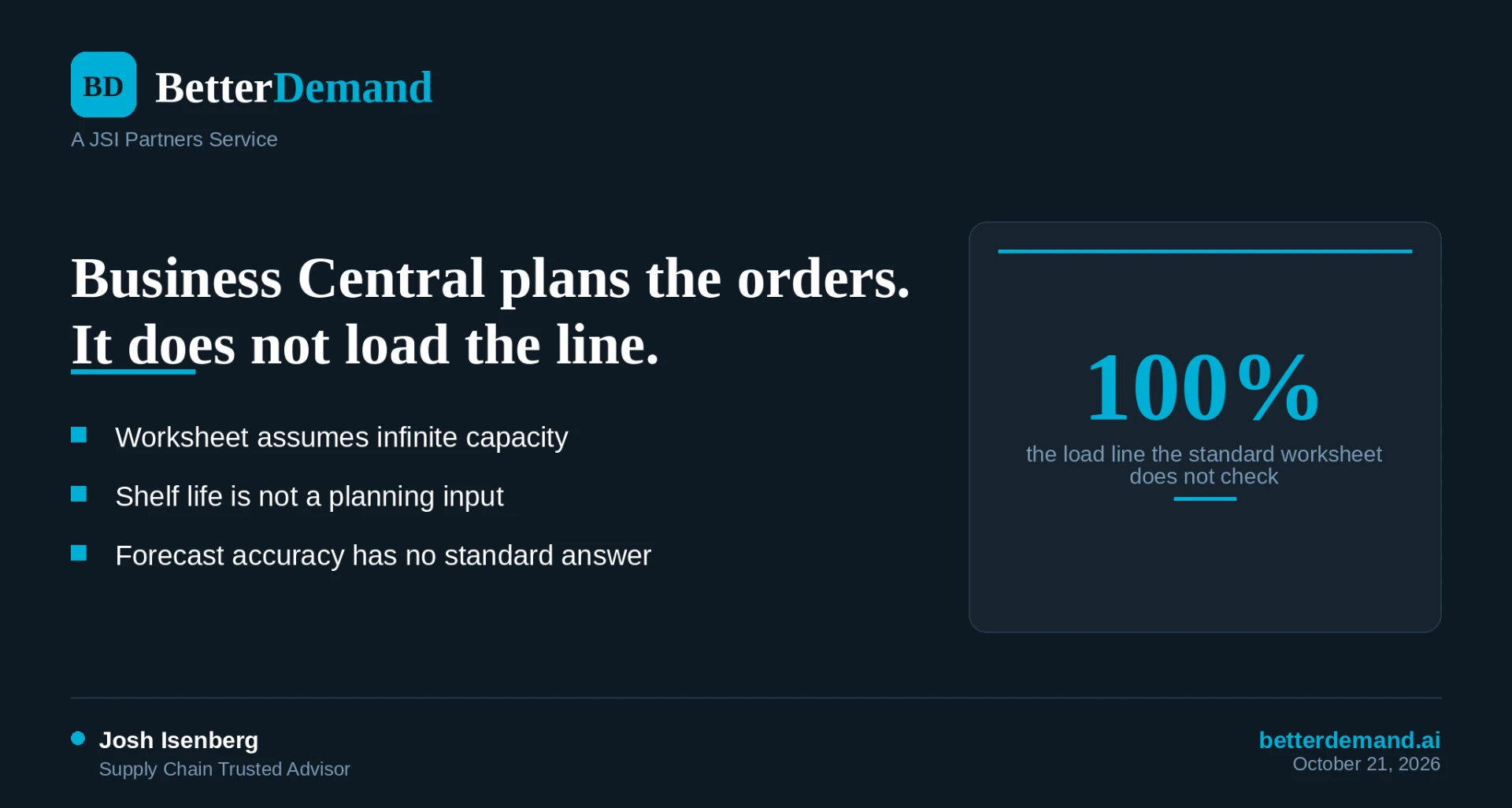
Here is the sentence from Microsoft's planning documentation that matters most to a plant: "With each planned method, Business Central generates worksheet entries that assume infinite capacity. When you develop schedules, work center and machine center capacity isn't considered."
That is the default. Business Central does offer an opt-in: Capacity Constrained Resources. Microsoft describes it as a way to avoid overloading a resource and to avoid leaving capacity unallocated. A work center you mark as constrained is loaded no higher than its critical load, and operations that do not fit are split across the nearest available time slots. A dampener time reduces the splitting.
The same Microsoft page is also plain about the limit: Business Central "provides a rough-cut schedule to plan reasonable use of resources" and "doesn't automatically create and maintain detailed schedules based on priorities or optimization rules" (Central Concepts of the Planning System).
In a food plant that gap shows up as specific events. A PO changes inside lead time and the worksheet proposes a run on a line that is already booked. A changeover from an allergen product to an allergen-free product eats the shift, and nothing in the proposal knew it was coming. The planner finds out on the floor, or on Thursday in a spreadsheet. We cover how a stable schedule horizon helps in the frozen window the floor can trust.
The part Microsoft does not claim is a view that shows which line goes over 100 percent next week and what overtime, an added shift or a resequenced run would do about it. That is a scheduling question, and a finite capacity scheduler answers it.
Shelf life is not a planning input
Business Central tracks expiration well as an inventory control. On the Item Tracking Code, Use Expiration Dates, Require Expiration Date Entry and Strict Expiration Posting let you record when a lot expires and respect that date when it leaves inventory (Set up item tracking).
Those fields govern posting. The Planning Parameters article lists the parameters the planning engine reads, and remaining shelf life is not among them. The engine sees quantity and date. It does not see that the 3,000 cases on hand have eleven days left and the customer's receiving rule needs more than that.
For a food plant, that changes the answer to a basic question: how much to make, and when. A run that is correct on quantity can still be wrong on freshness at the retailer DC. A planner covers that with judgment today. The judgment works until the planner is out sick.
Forecast accuracy is not measured
The Demand Forecast page is an entry screen. Microsoft's article describes manual entry by item and period, and one forecast is valid for planning at a time. Separately, the Sales and Inventory Forecast extension predicts sales from history using Azure AI and shows expected stock-outs (Microsoft Learn). That page does not describe an accuracy or error measure, and it says the service makes no prediction when it lacks enough data or the data varies a lot.
So the question "how wrong were we last month, by item, and is it getting better" has no standard answer on either page. That matters because a plant cannot fix what it does not measure. We make the broader case in forecast accuracy is a process problem.
What partners and AppSource apps cover
Microsoft partners fill part of this, and they should be on your list. Insight Works, for example, publishes MxAPS, a finite capacity scheduling app for Business Central. Per their site, it schedules forward from a start date, sequences jobs by priority and setup rules, selects machines within a work center, and runs what-if scenarios such as overtime or added equipment (Insight Works). Other apps handle forecasting.
The tradeoff is where the logic lives. An in-ERP app means more configuration inside the ERP, a partner relationship, and a change cycle tied to the ERP. A layer beside it means less to configure and a smaller blast radius. Both are legitimate. Pick the one that fits who maintains your system.
What a planning layer beside Business Central does
A planning layer reads exports Business Central already produces: the item ledger (what moved and what was consumed), open purchase orders, open sales orders, and routings with their work centers and run rates.
From those, it can do two of the three things the standard engine leaves to the planner:
- Load the routings onto lines by week and show which line is over 100 percent, then test overtime, a shift or a different sequence before anything is released.
- Compare each forecast to what shipped, by item, every month.
Shelf life stays a planner decision unless the layer reads your lot dates, so ask any vendor, including us, exactly what it reads. The ERP stays the system of record.
What to do this week
- Pull the Planning Worksheet output for next week and add up routing hours by line in a spreadsheet. Any line over its available hours is a run waiting to slip.
- Write down the remaining-life rule for your top five retail customers and compare it to the oldest lot you would ship against each one today.
- Export last quarter's forecast and shipments for your top 20 items and calculate the gap by item, not in total. The pattern in the aggregate trap usually shows up on the first pass.
What BetterDemand does about this
BetterDemand runs beside Business Central on the exports above. Capacity loads routings onto lines and shows which one is over 100 percent next week, with levers for overtime, shifts and sequencing. Forecaster adds an item-level statistical forecast and compares it to what shipped. It does not replace Business Central, and it is live in weeks. The pricing is set by sites and SKUs, not revenue.
betterdemand.ai
Two free playbooks: Cost of Forecast Error and the S&OP Playbook